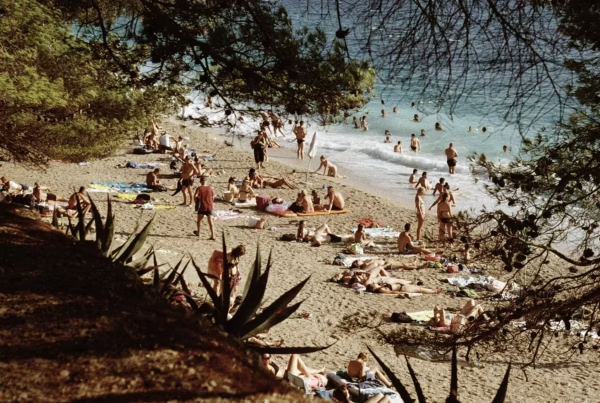
What makes a great photograph in website terms? It’s not just all about the subject of your image – not if you want it to stand out and look great on the screen. That’s because there are other technical issues to think about, such as the image’s orientation, size, focus and colour. We’ll describe each of those in detail in this post. We’ll then go on to talk about how to get the images and even how to store them.
Technical aspects of an image
Focus
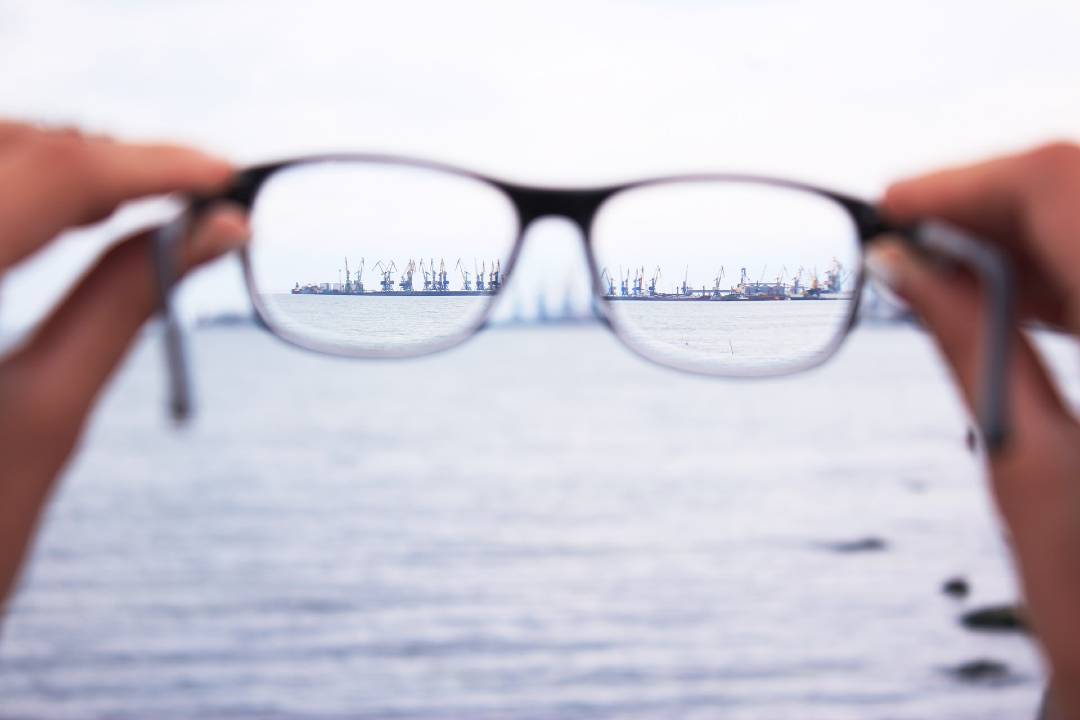 If there is going to be text on the image then it’s important to get the focus correct ie if it’s a person then you want them to be pictured without overlapping text. If the focus of your image is dark or a similar colour to the text, then it might not be possible to even read it. So, if the text is to go on the left hand side of the page, then make sure the focus of your image is on the right hand side – not left or even centre.
Size
The larger your image, the better the quality it will be. Don’t worry about it being too large – it’s easier to reduce a large image than it is to increase a small one.
Orientation
By ‘orientation’ we mean either landscape (horizontal) or portrait (vertical) photos. For websites landscape images tend to look best. That’s because they fill the width of a screen. Often with portrait images you have to scroll down the screen to see the complete image.
Style
Images should always be in keeping with the style of your website. Most designers will use a stock image as a placeholder and you can get ideas from that.
Where to find website images
There are various ways to get a hold of images for your website. You can, for instance, hire a professional photographer, use stock photography or even take the images yourself. We use a mixture of Stock and Free photography with our website designs, in doing so we ensure a natural and organic mix of images are used. Stock photography can sometimes feel fake and generic, but will also offer a wider range of options compared to free photography websites – for this reason some business types may favour the use of stock photos. Just remember though that images are the first thing a visitor to your website will look at. You certainly don’t want to put him or her off by putting up unfocused or uninspiring images.
Using a professional photographer
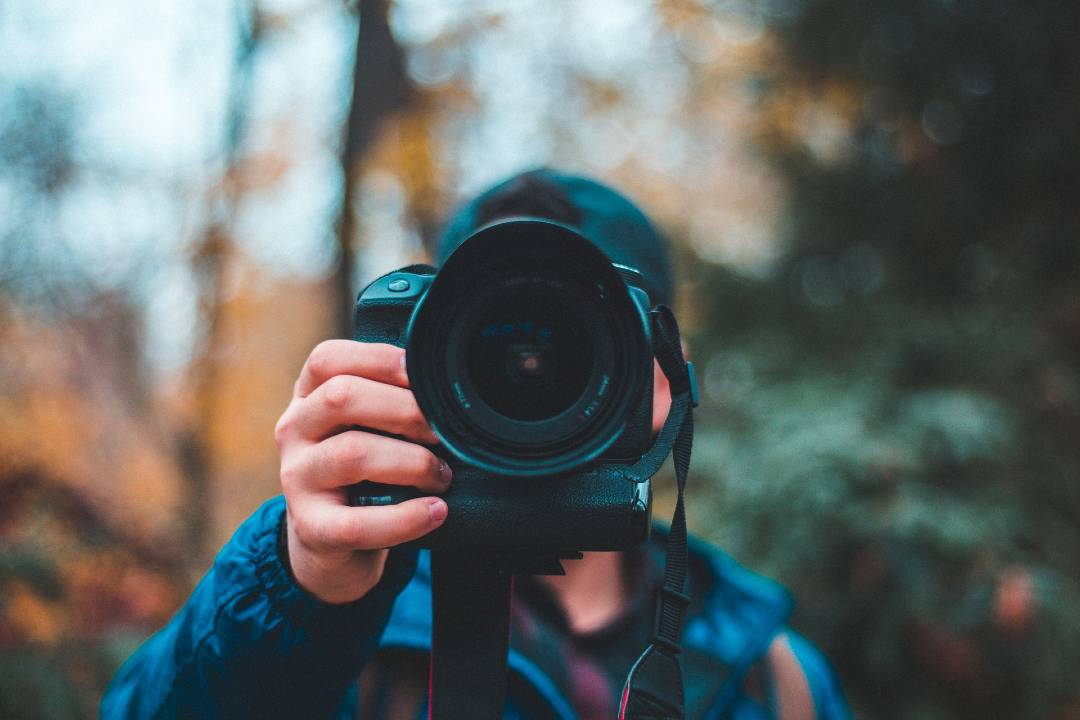 When you pay for your images in this fashion – and you will pay, because professional photography doesn’t come cheap – you are guaranteed excellent images. That’s because a professional will know how to get the best from people by making them feel relaxed. At the same time, he or she will also have access to models. Not only that, but your professional photographer will know what to do with lighting and composition.
Using stock photography
Some stock photography can be excellent. That’s because the images are usually taken by professional photographers or aspiring photographers. Therefore can be an excellent place for great photos for your website It’s possible to even get great stock photography for free. Most sites ask you to pay for it – it’s not expensive and there are often packages on offer. The main thing you have to look out for in stock photography is copyright issues. If you buy a photograph you buy the copyright. If you don’t buy the image and it is copyrighted then you could be sued by the photographer or site. Certainly you would have to remove the image.
Good sites to access images
Some of the best stock photography sites around at the moment include Pixabay, Unsplash and Pexels (all on which you can get images for free). Paid popular stock photography sites are Shutterstock and Getty Images. The latter definitely follow up images they own which have been used but not paid for, thanks to special software they have had designed.
Storing your images
Keep images in folders specially organised into subject matter. Rename images so it is easy to tell what it is. This will help when trying to source an image in a hurry (for a last-minute promotional event or press enquiry etc). Within those folders, organise them into date order too as this can be another way of easily locating an image quickly.
Sending images
WeTransfer is the software most people are using these days to send images. That’s because it’s easy to use and has capacity for high resolution images. Dropbox is another option, of course, while you can always download them onto a USB hard drive and hand that over to your web design team.
Get in touch
If you’re wondering what type of images will go best with your website design then we can not only advise you on accessing quality images, but do the whole web design for you. Take a look at some of our previous designs and, to find out more, call us for a quote on 01332 208 069. You can also send us an email via studio@stylisticdesign.com